Project Goal
Why Mathcha?
Section titled “Why Mathcha?”Mathcha was built to help people write mathematical formulas and equations quickly and intuitively. You don’t need to know LaTeX — Mathcha gives you a rich set of mathematical symbols, layouts, and features that you can use right away and share with others.
What makes Mathcha different?
Section titled “What makes Mathcha different?”Other tools let you insert mathematical symbols, but they can be slow — adding something like a square root or fraction often requires navigating menus with multiple clicks. Many of these tools only support Math Mode, with no way to mix mathematical expressions and normal text in the same document.
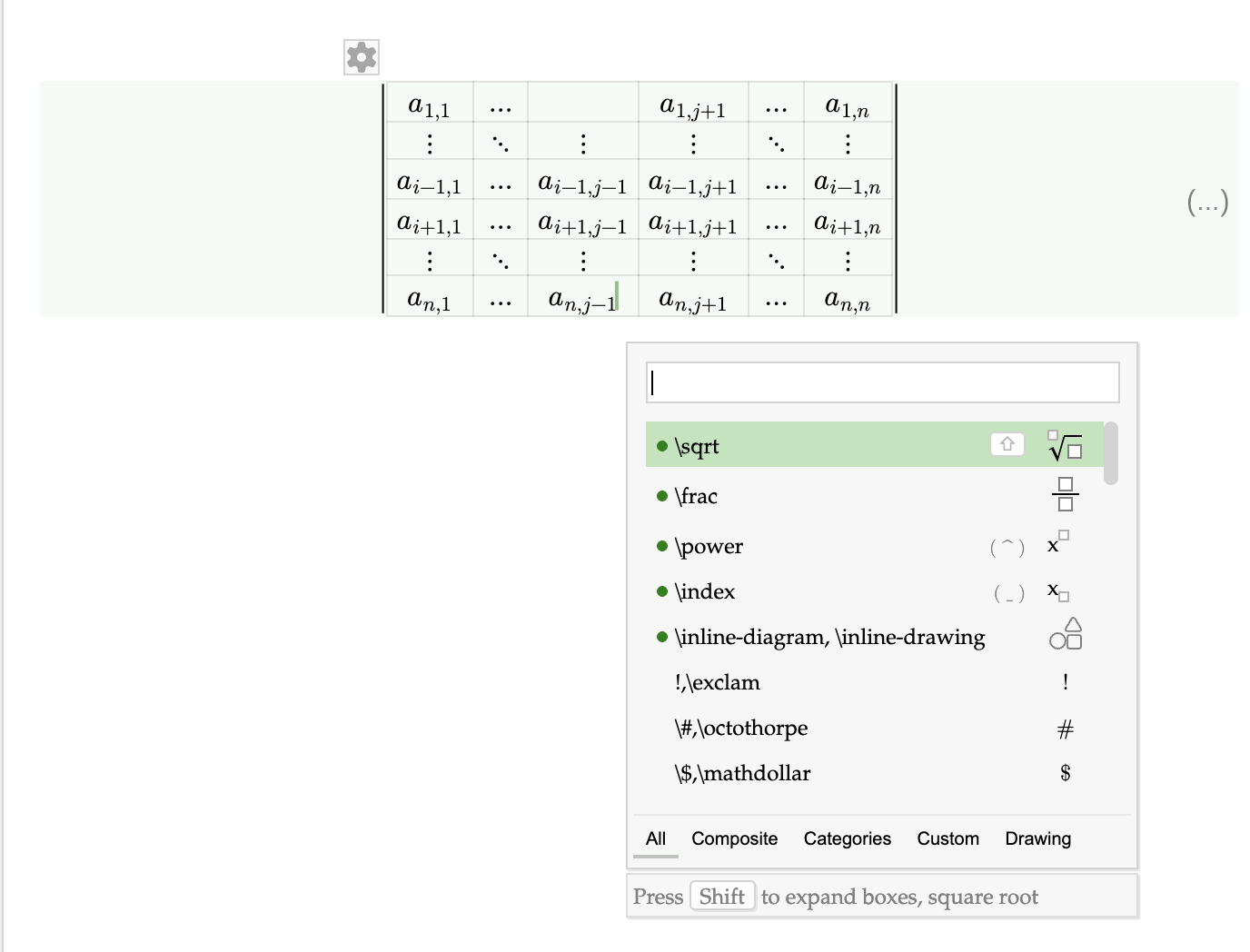
Mathcha combines text editing with a comprehensive set of mathematical symbols and layouts, along with drawing features. This gives you a single place to create documents that include normal text, math expressions, and diagrams — all in one editor.
What Mathcha is not
Section titled “What Mathcha is not”Mathcha is not a replacement for rich text editors like Google Docs or Microsoft Word. Its focus is on inputting mathematics, not general-purpose document editing.
Mathcha is also not a replacement for LaTeX or a scientific paper authoring system. It does not aim to be compatible with the TeX ecosystem — there is no support for bibliography management, cross-referencing, custom packages, or the full range of TeX commands. If you need to produce a formal academic paper or work within an existing LaTeX workflow, a dedicated LaTeX editor is the better choice.
Mathcha is best suited for quickly creating and sharing mathematical content — class notes, homework, tutorials, or any document where math is the focus and speed matters more than full typesetting control.