Gather
Example
Section titled “Example”
Example with 2 columns
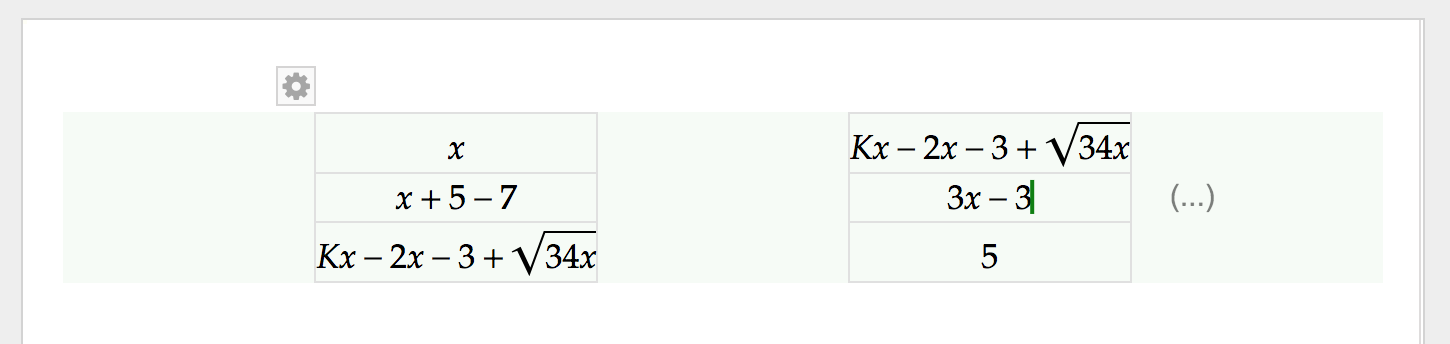
Section titled “Example with 2 columns”With multiple columns, each column is positioned evenly within the document width. (This is different from Math Mode.)
Add/Remove Rows/Columns
Section titled “Add/Remove Rows/Columns”Refer
Numbering Tag
Section titled “Numbering Tag”- Numbering Tag can be added on the right side of each cell. More on
Math Numbering Tag
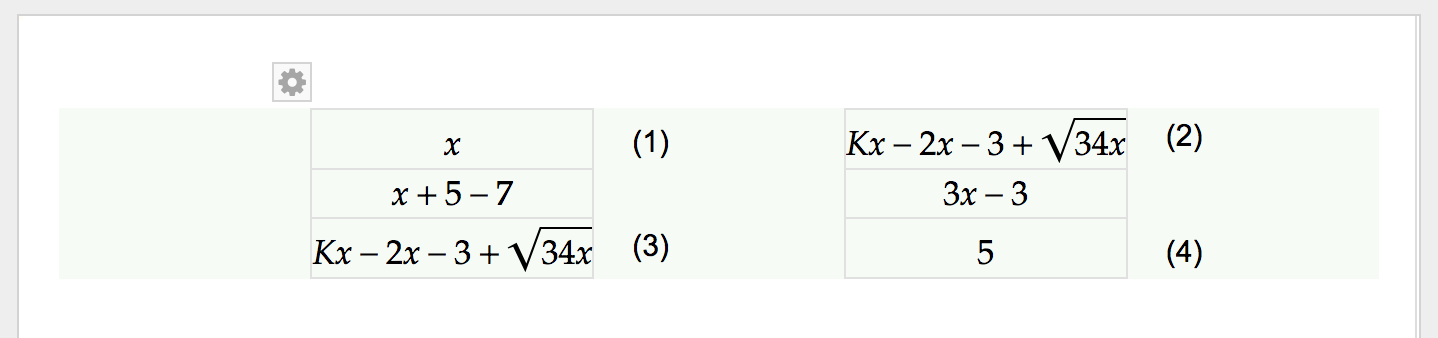
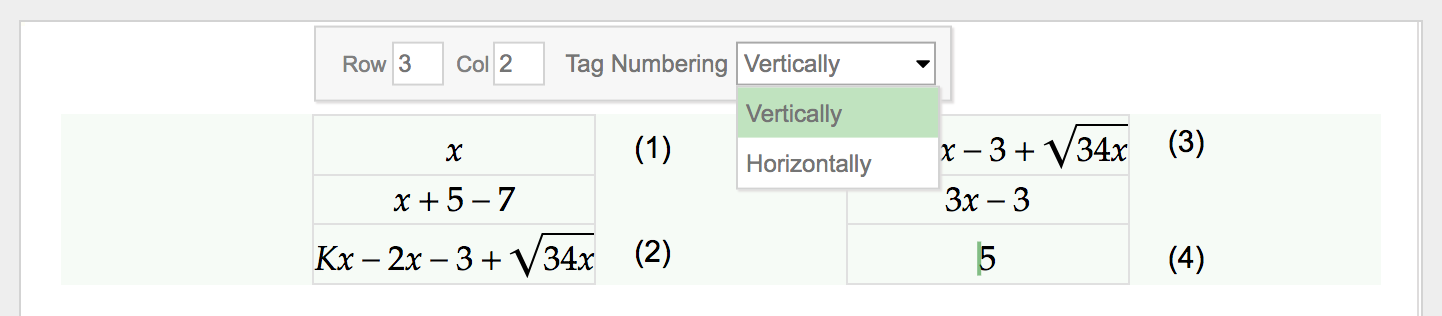
- Numbering can be configured to increase vertically