Caption
- The caption can be moved to the top position (select
 ).
).
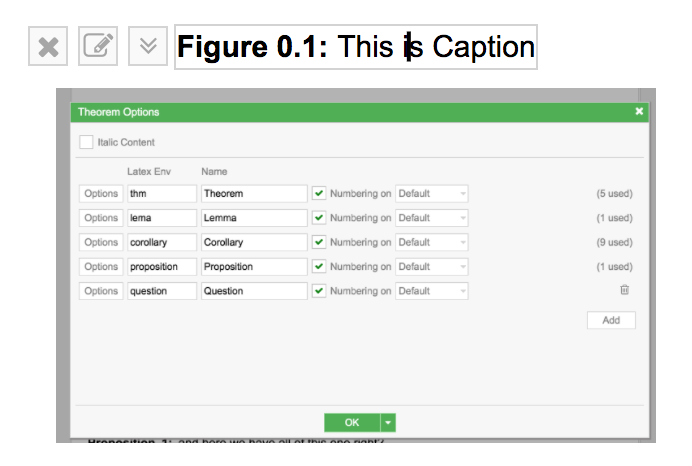
- Select
 for caption prefix options.
Caption Prefix options
Section titled “Caption Prefix options”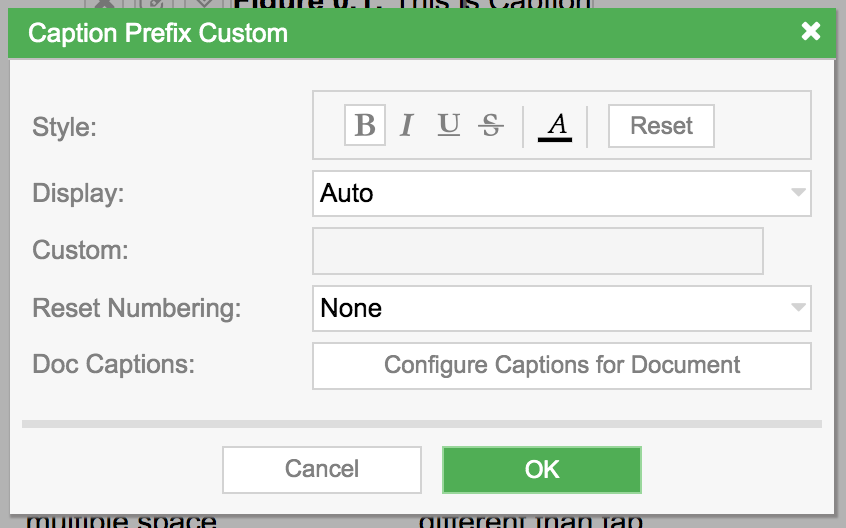
- Display:
- Auto: Display numbering as normal.
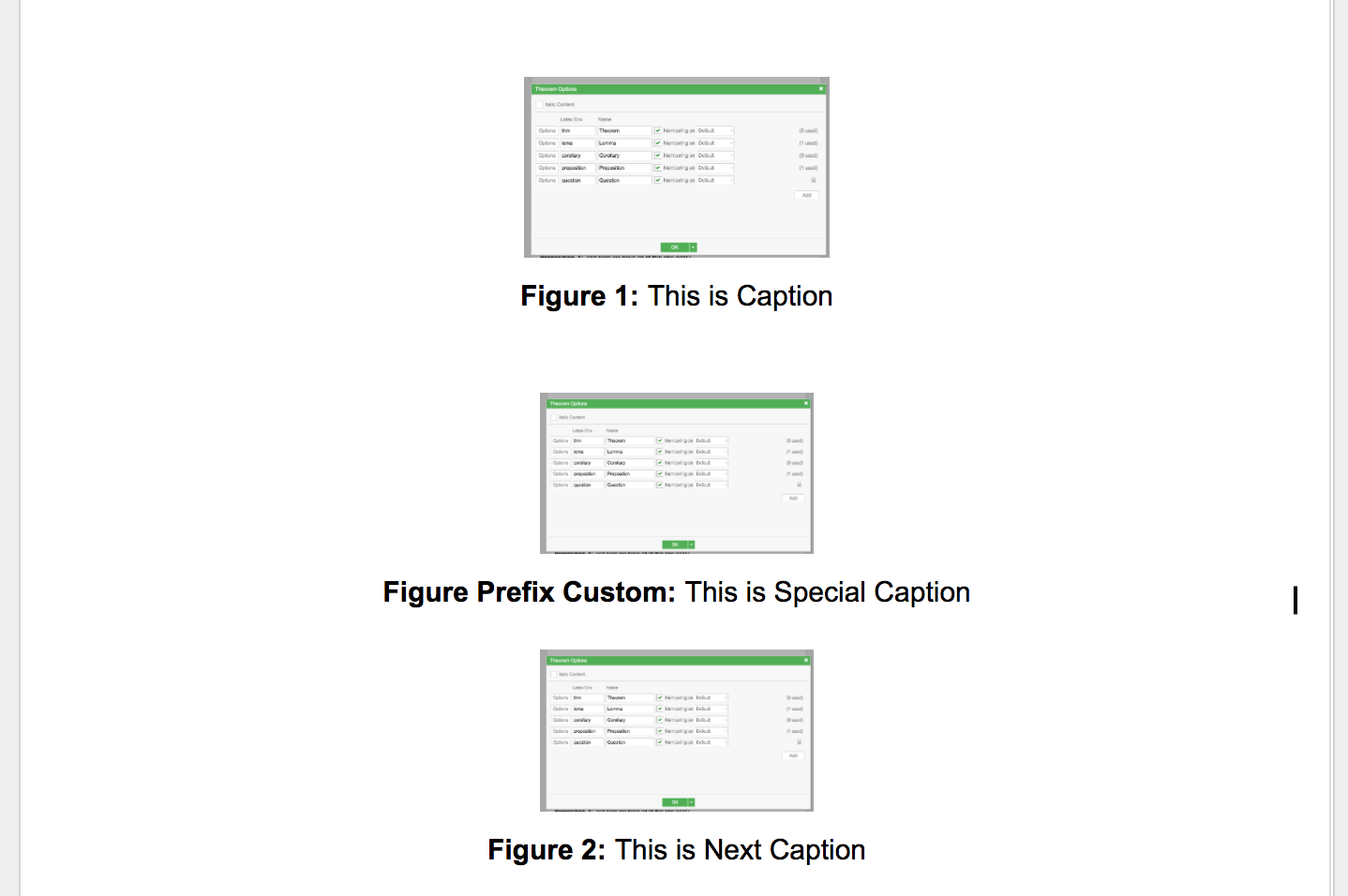
- Custom (Increase Numbering): Allows specifying a numbering prefix/postfix, and numbering is incremented by 1 for the next caption.
- Custom (Skip Increase Numbering): Allows specifying a numbering prefix/postfix, but numbering is not incremented for the next caption.
For more information on the Custom field, refer to
Configure Captions for Document
Section titled “Configure Captions for Document”- These options affect all captions in the document.
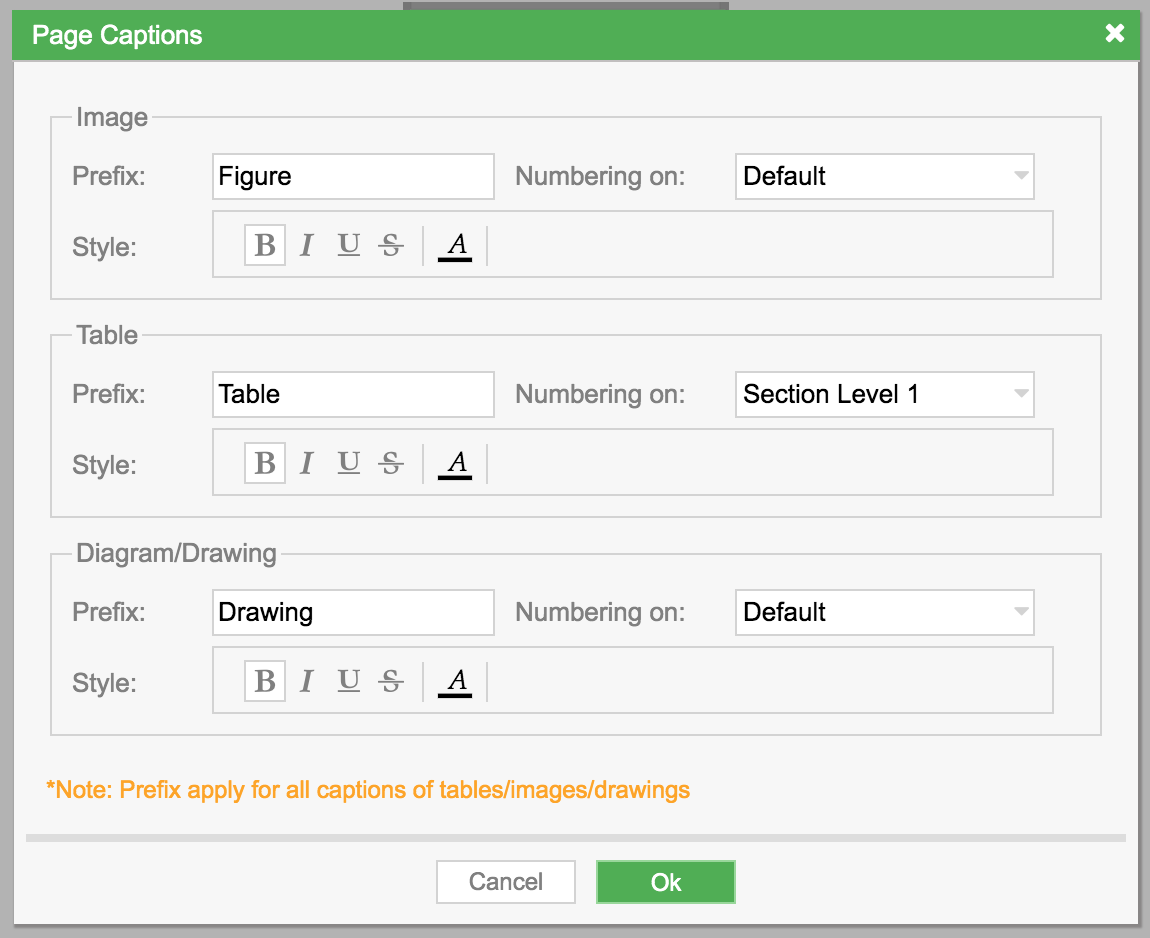
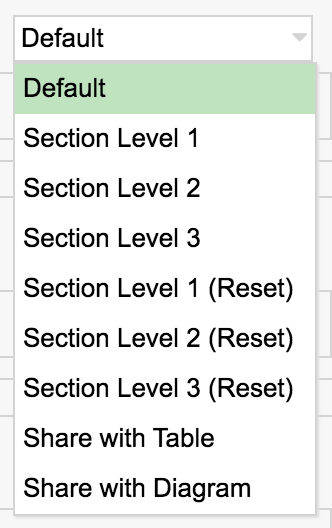
- Numbering on:
- Default: numbering increases by 1 normally.
- Section Level 1/2/3: numbering is prefixed by the section number (caption numbering is not reset at each new section).
- Section Level 1/2/3 (Reset): numbering is prefixed by the section number (caption numbering is reset at each new section).
- Share with Table/Diagram: numbering is shared with Table/Diagram.