Section / Heading
In Mathcha, the term Section is equivalent to a Heading in other word processors. Wherever you see “Section” in Mathcha, think of it as a heading level (H1, H2, H3).
- Sections in Mathcha are similar to sections in LaTeX or headings in other word processors.
- Sections are used in the
Table of Content . - Sections are referenced by
Section Reference - Sections are also partly used in:
Theorem (only Section Number)Caption (only Section Number)Printing (in Header/Footer)
Create Section
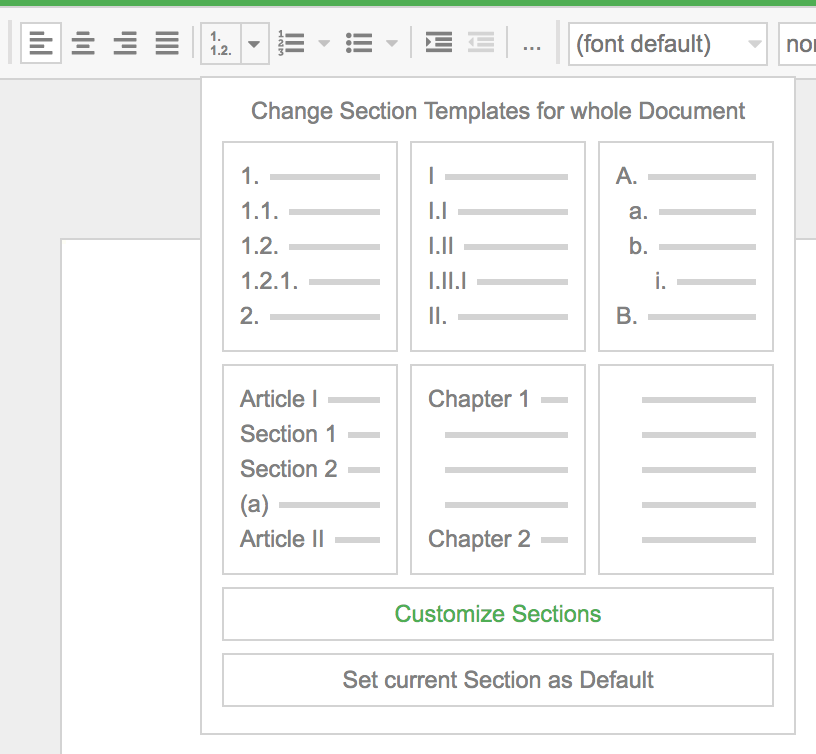
Section titled “Create Section”Select a line and click on the toolbar as shown below:

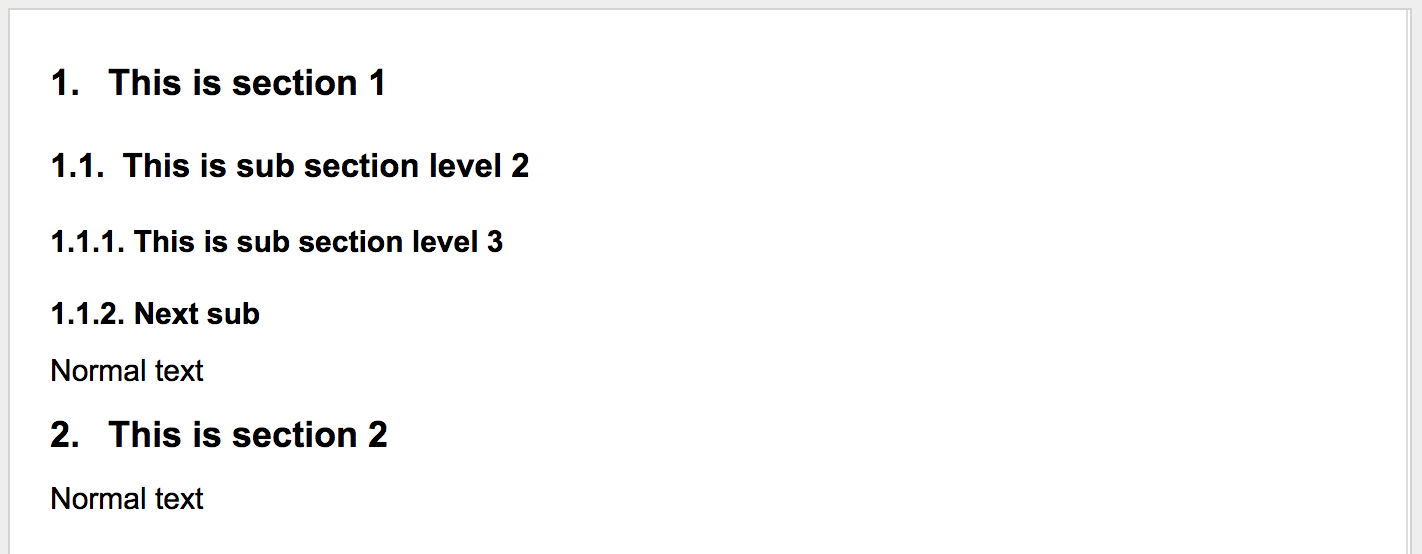
Subsections (maximum 3 levels) are created by:
- pressing
Tabon a Section, or - clicking
Indent on the Toolbar.
Section Styles
Section titled “Section Styles”Styles are applied to all sections; there is no option to change the style of a specific section.
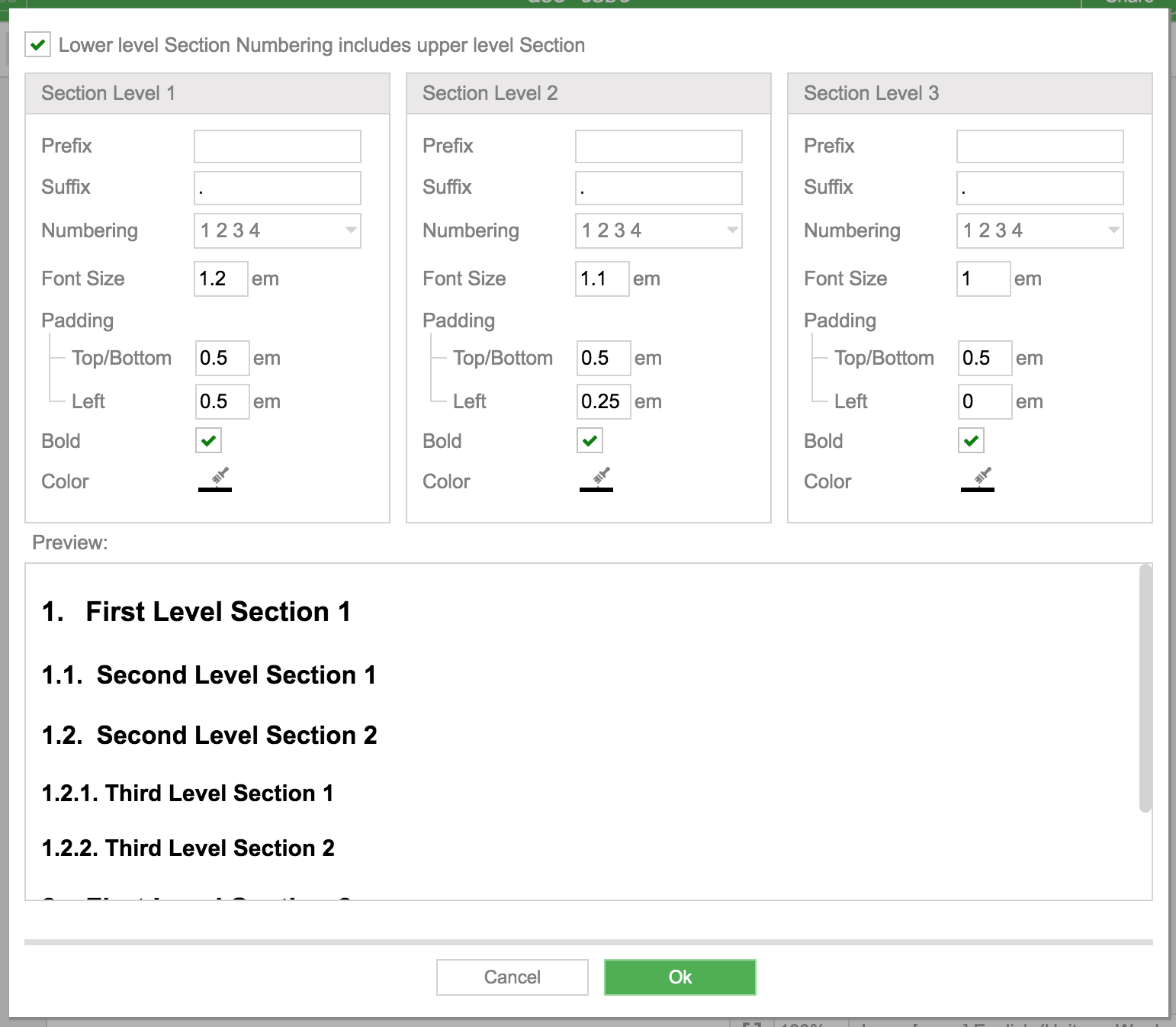
Customize your Styles
Section titled “Customize your Styles”