Matrix
Text Alignment: All content in matrices is center-aligned. This cannot be changed.
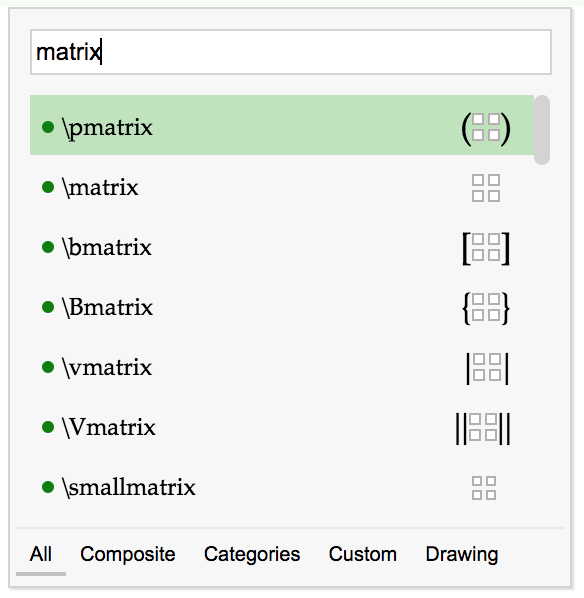
Example of Matrix
Section titled “Example of Matrix”
Settings
Section titled “Settings”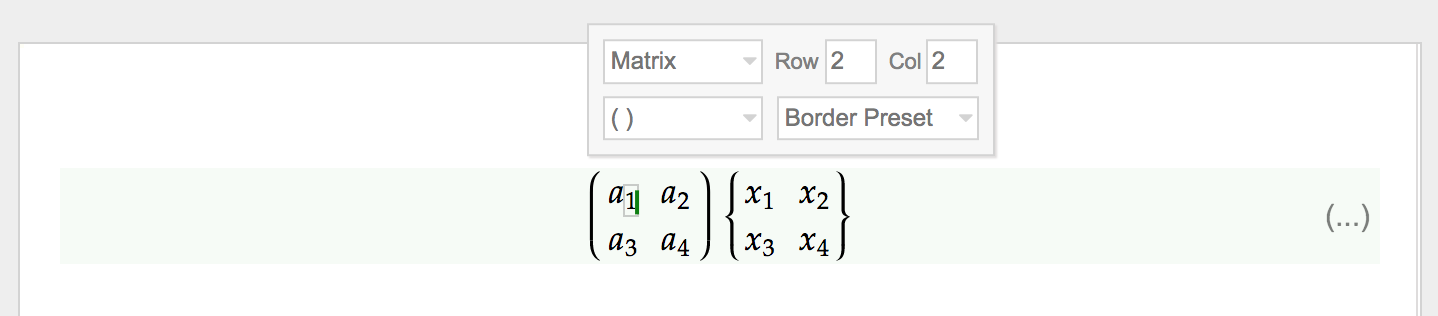
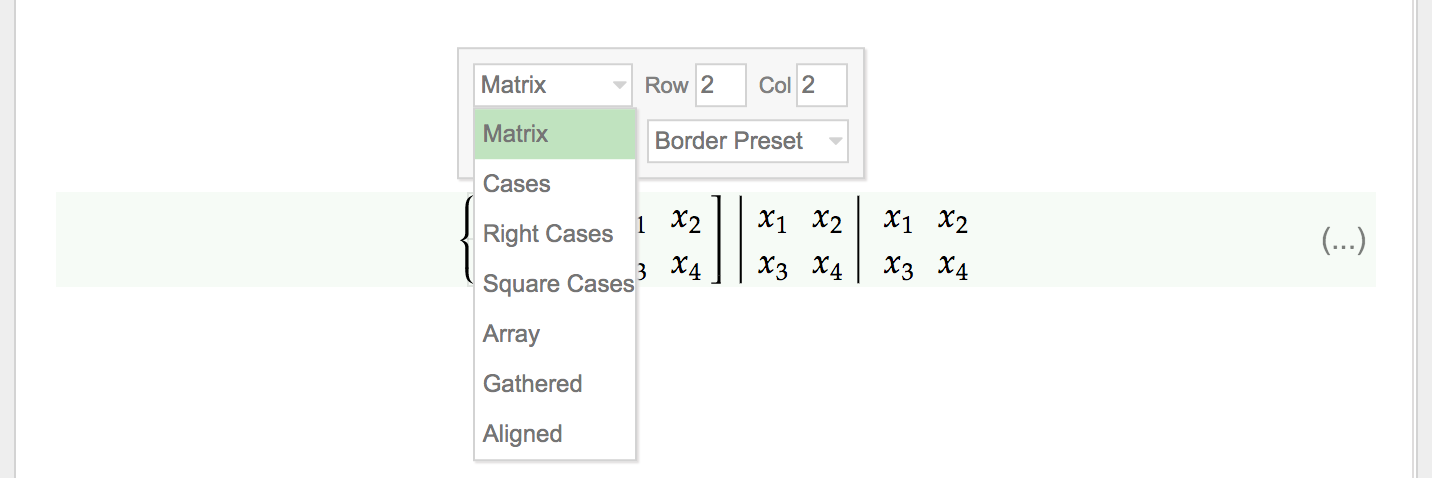
- A Matrix can be switched to other similar components such as
Cases,Aligned, etc.
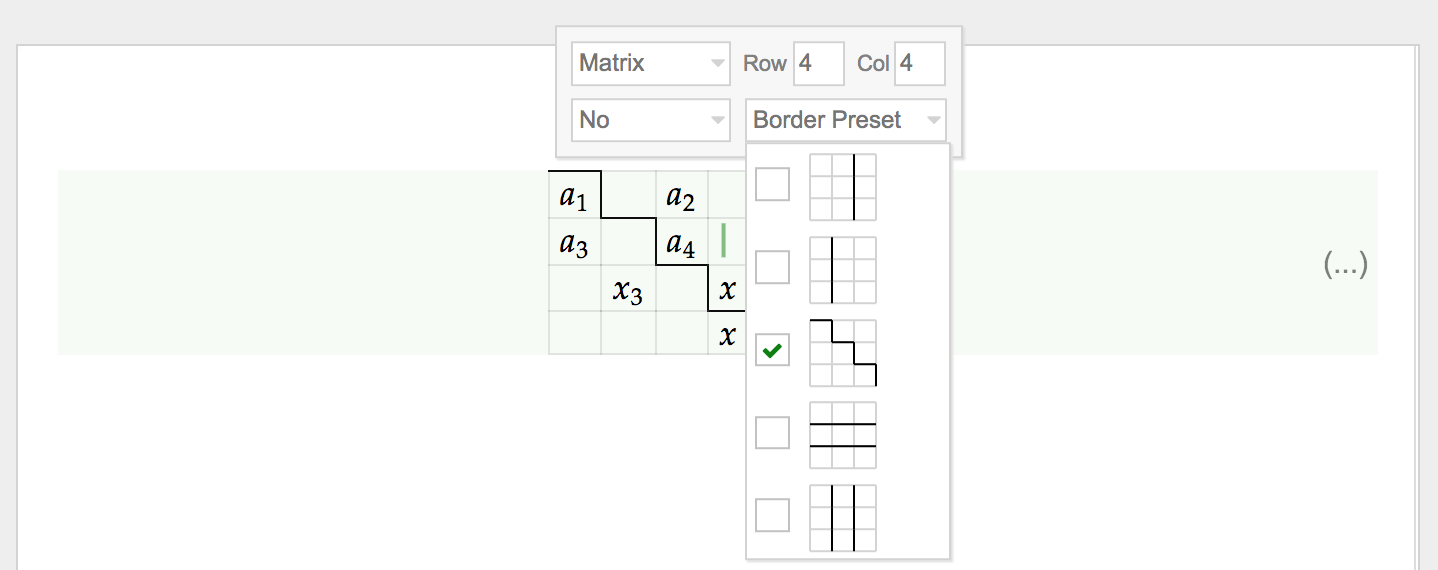
- There are some line separator presets to choose from
Add/Remove Rows/Columns
Section titled “Add/Remove Rows/Columns”- A new row or column can be added quickly by pressing
Enter

- Removing a row or column can be triggered by pressing
Backspaceat the first caret position in a cell. Then pressTabto toggle between removing a column or a row.

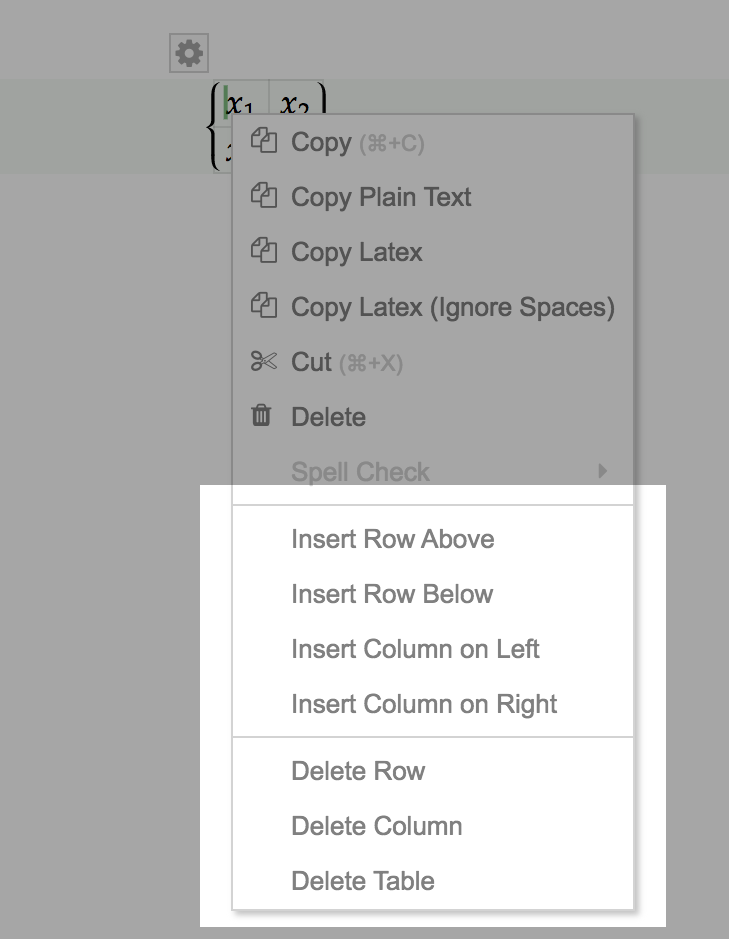
- Right-click to open the
Context Menu, which allows you to add or remove columns/rows.