Advanced Drawing Area Features
Zoom In / Zoom Out
Section titled “Zoom In / Zoom Out”Click  to zoom in or zoom out the Drawing Area.
Group / Ungroup
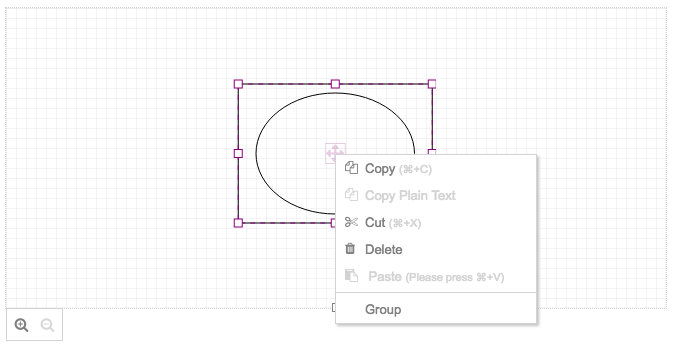
Section titled “Group / Ungroup”Select the shapes you want to group or ungroup, then right-click and select Group / Ungroup.
This feature helps you place objects exactly where you want by snapping to control points.
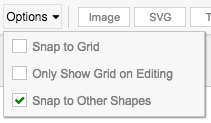
- Snap to grid: automatically snap control points to the Drawing Area grid.
- Snap to other shapes: automatically snap control points to control points of other shapes.
Click the object you want to scale, then:
- To scale from the center point, hold Ctrl and drag a control point.
- To keep the aspect ratio, hold Shift and drag a control point.